Onboarding
This section covers the steps necessary before the add-in can be used.
Registration
Before you can use the any2any platform, you need to be invited by an admin user.
Please consult the Accessing the platform section of the platform user guide for further information.
Login
When opening the add-in for the first time, a login prompt will be displayed. You can log in with the same email address that you used for registration on the any2any platform. If corporate login / SSO has been enabled for your organisation, you will see a Microsoft login prompt when opening the add-in for the first time. Log in using your corporate credentials.
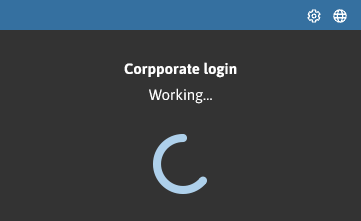
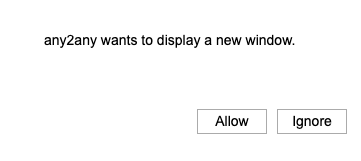
Alternatively, you will be logged in automatically, but may need to confirm the corporate login by pressing the Allow button: