Contacts
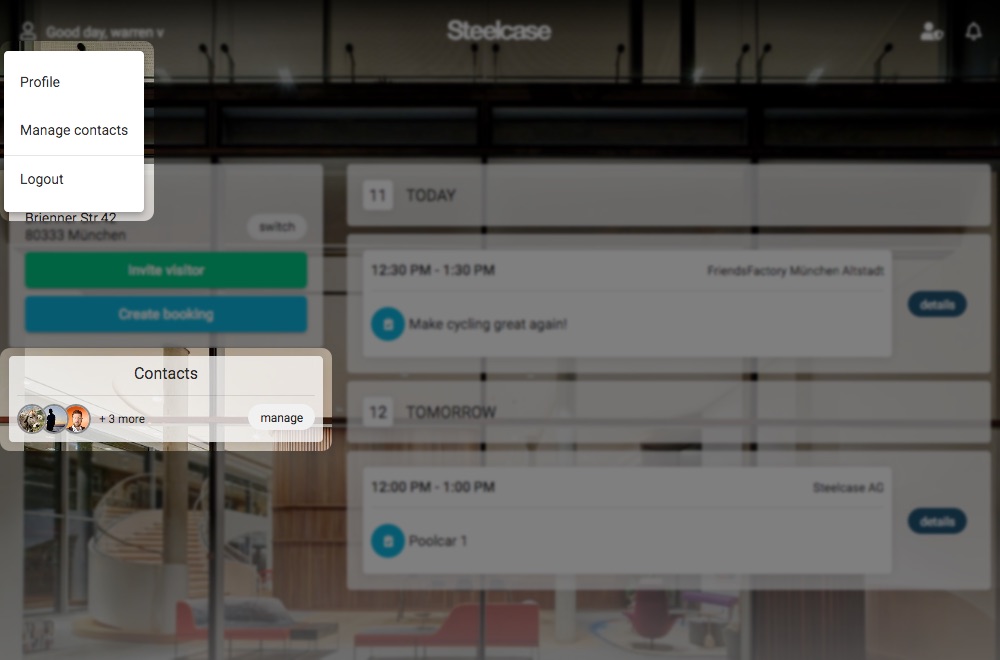
You are allowed to create invites or bookings on behalf of others only if they exist as your contacts. You can manage your contacts from the user menu or by clicking on "manage" next to your contacts on the dashboard screen.
Creating a new contact request
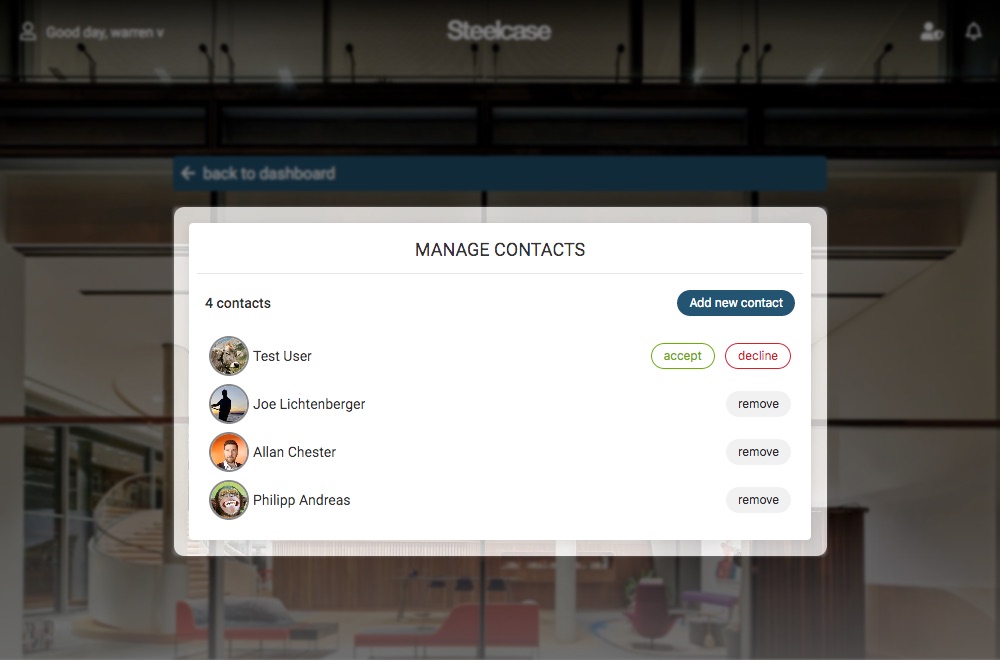
To make a contact request, click on the “Add new contact” button and search for the person you wish to establish contact with. They will receive a contact request that they must confirm. Your pending contact requests can also be cancelled by clicking on the “cancel request” button.
Please note that adding someone to your list who accepts your request will automatically add you to their contact list (without the need for you to approve them).
Confirming a contact request
To confirm a contact request you have received from someone, simply click on “accept” or “decline” next to their name.